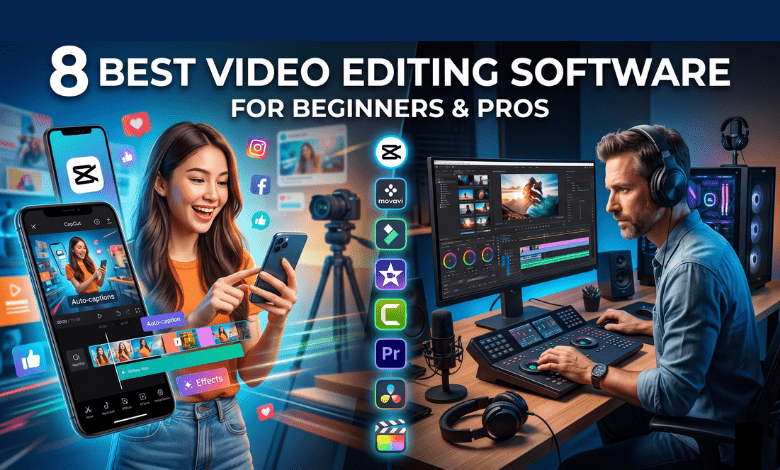
Creating videos is easier than ever. There are many video editing programs available for different skill levels and budgets. However, choosing the right one can still feel overwhelming. Beginners usually want simple and easy-to-use tools, while professionals need advanced editing features, better performance, and more creative control. I tested some of the most popular video editors to help you find the right option for your workflow.
Here are the best video editors I recommend for both beginners and professionals:
Best Software for Beginners
1. CapCut
-
Price: Free or $20 a month.
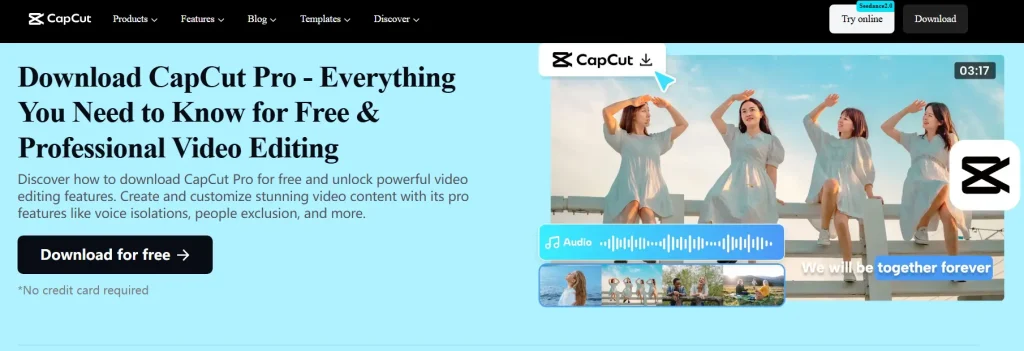
CapCut is great for short, vertical videos. It is very simple to use. You can easily cut your video clips. Moving parts around takes just one click. The app has many trending internet effects. It also makes automatic subtitles for you.
Note: The free version might make you wait in line for cloud processing. Also, some special templates, fonts, and effects are only in the paid version.
2. Movavi Video Editor
-
Price: Monthly or one-time payment.
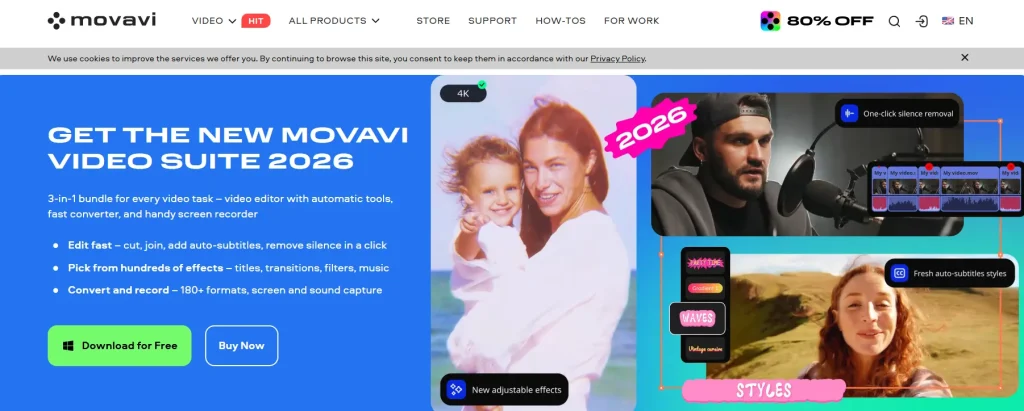
Movavi is affordable and easy to use. It looks a lot like CapCut. But it has a simpler, clean workspace. You can make your own custom animations. It has tools to cut silent pauses. It is perfect for traditional YouTube vloggers.
3. Filmora
-
Price: Free or $10 a month.
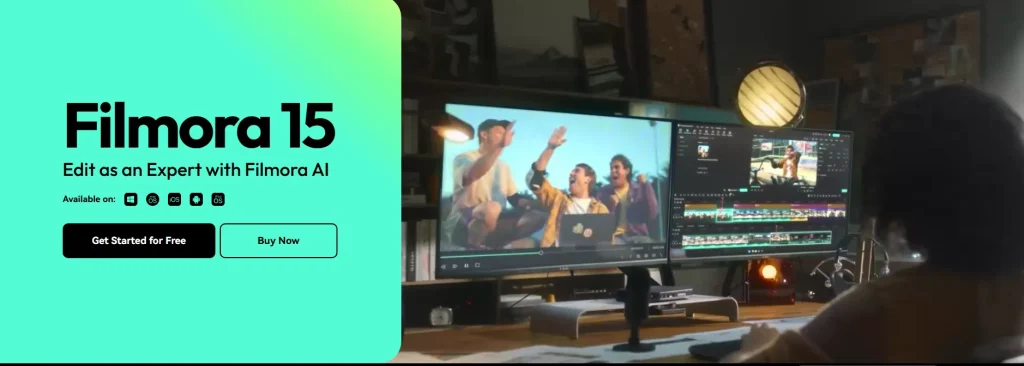
Filmora is a little more complex. But it is still easy to learn. It gives you separate project windows. This helps you organize large video projects. It also features a smart AI assistant. You can ask it for editing tips.
4. Apple iMovie
-
Price: 100% Free.
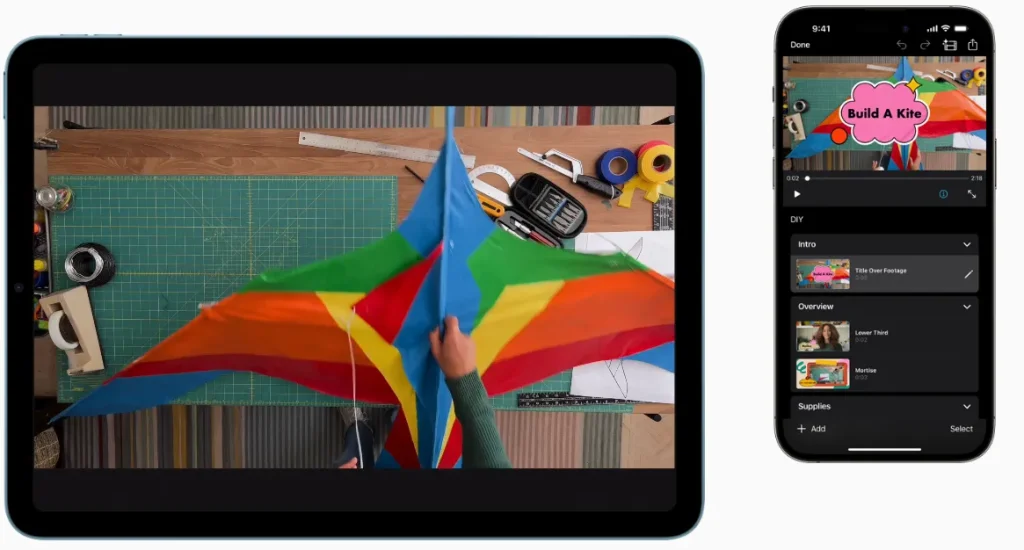
iMovie is perfect for Apple device users. It is totally free to use. The design is incredibly simple and clean. You can drag and drop your clips. It has no annoying watermarks at all.
Best for Screen Recording
1. Camtasia
-
Price: Yearly or one-time payment.
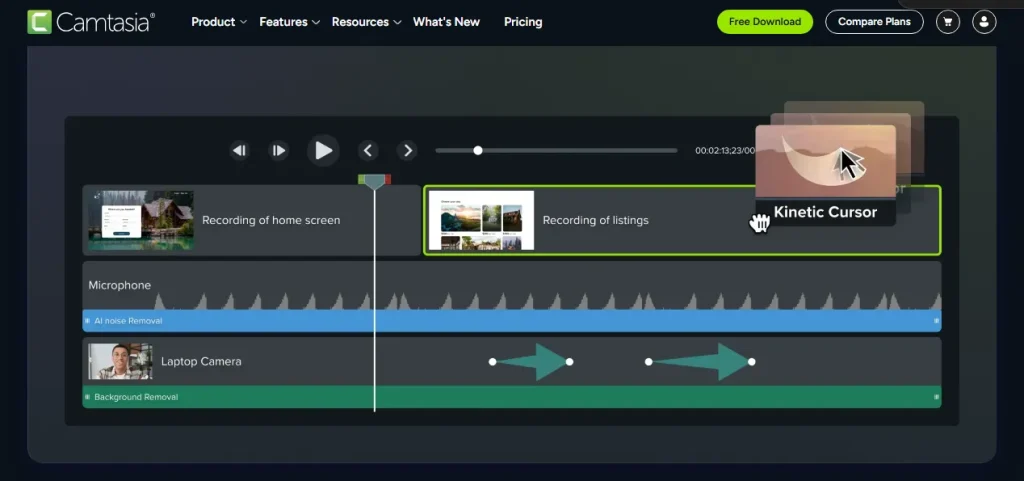
Camtasia is great for tech software tutorials. It has a built-in screen recorder. You can record your screen and webcam. It is easy to zoom in anywhere. You can easily highlight your mouse cursor.
Best Software for Professionals
1. Adobe Premiere Pro
-
Price: $22 a month.
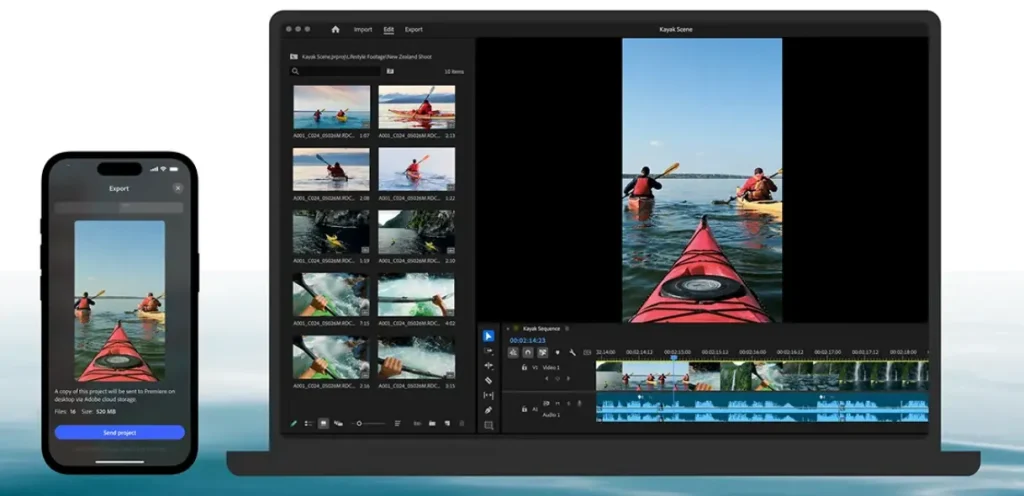
Premiere Pro is the industry standard. The workspace is very complex and advanced. It has many different professional editing tools. You can customize the workspace perfectly. It works great with two computer monitors. It also has automatic subtitling AI tools.
2. DaVinci Resolve Studio
-
Price: Free or $300 once.
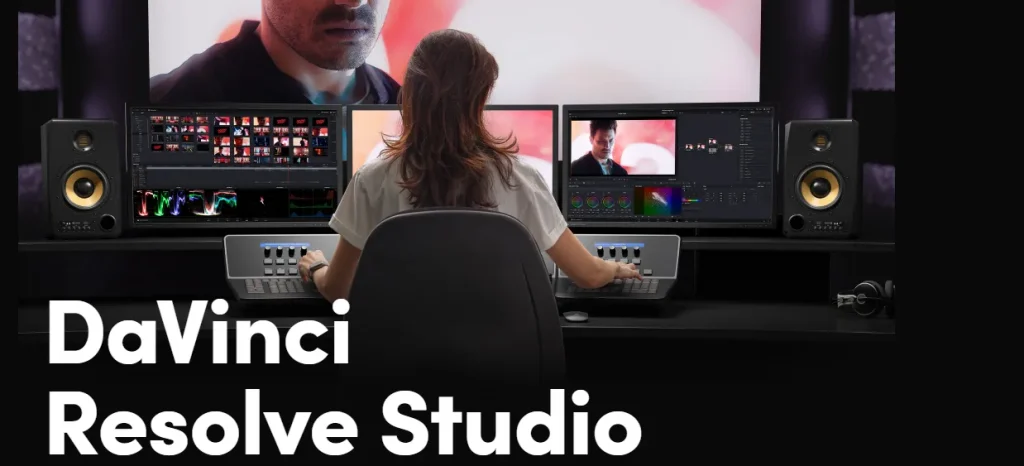
DaVinci is a complete all-in-one program. It is famous for amazing color editing. Many Hollywood experts use DaVinci Resolve. It takes more time to learn well. But it is great for serious production. It handles big video files very smoothly.
3. Final Cut Pro
-
Price: $12 monthly or $300 once.
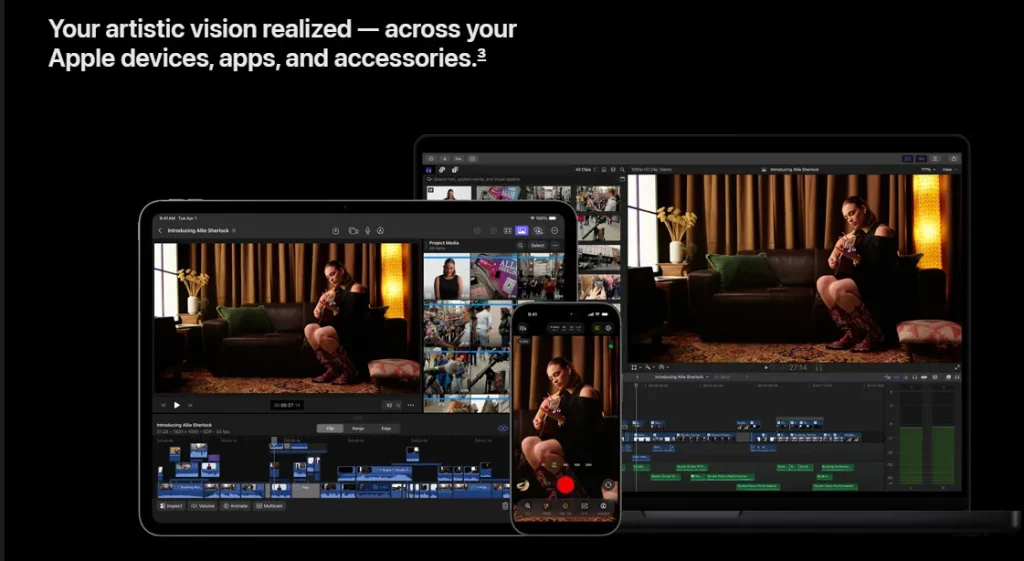
Final Cut is perfect for Mac users. The design is very user-friendly. It is an extremely powerful editing tool. It runs very fast on Apple computers. You can easily edit heavy 4K videos.
The right video editor depends on your experience level, workflow, and the type of content you want to create. Whether you are a beginner looking for simple, easy-to-use tools or a professional needing advanced editing power, there is a perfect option for every need on this list. I hope this guide helps you choose the best video editing software for your projects.
You may also like this 👉 6 Best Trending Design Tools